
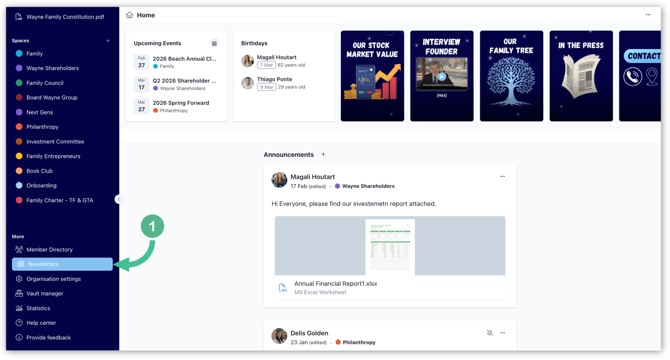
1. In the bottom-left corner of the page, select Newsletter.
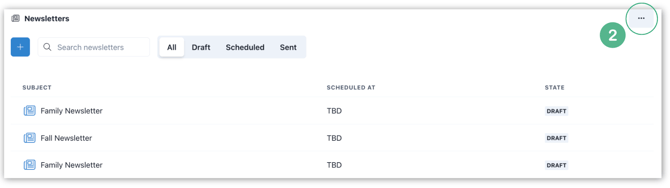
2. In the top-right corner of this page, click the three dots "...".
3. Select + Add to search for the member(s) you want to assign as newsletter managers. Select them by ticking the box next to their name, then click Confirm in the bottom right.
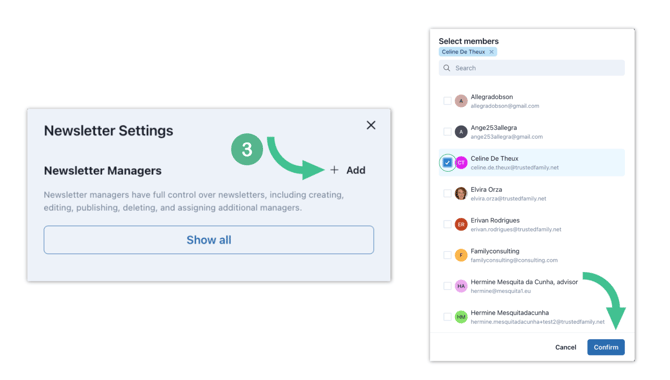
Note: To view all members who are already newsletter managers, click Show all.
Important: Newsletter managers have full control over newsletters, including creating, editing, publishing, deleting, and assigning additional managers.