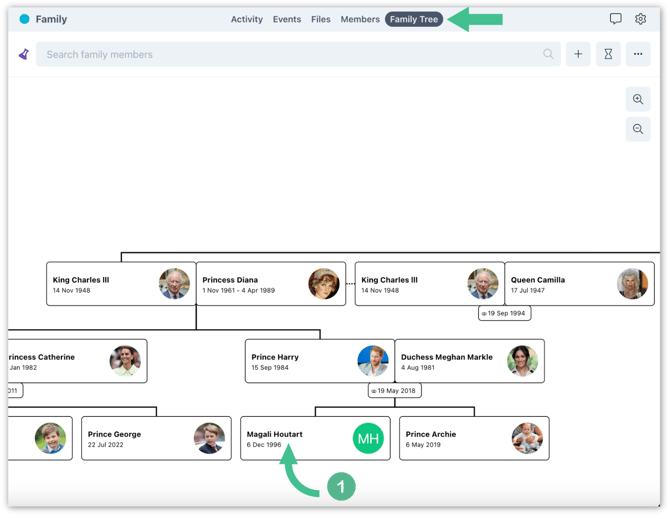
1. Navigate to a space, then access the family tree and find the family member you wish to link to his profile.
2. After selecting the profile, a pop-up window will display on the right side of the screen. Click on the "..." icon and choose the link member option from the menu. Enter the name of the family member you wish to link and click. If the profile is not yet created, this article may be more helpful instead: Create a Profile for A Family Tree Member.
.svg)
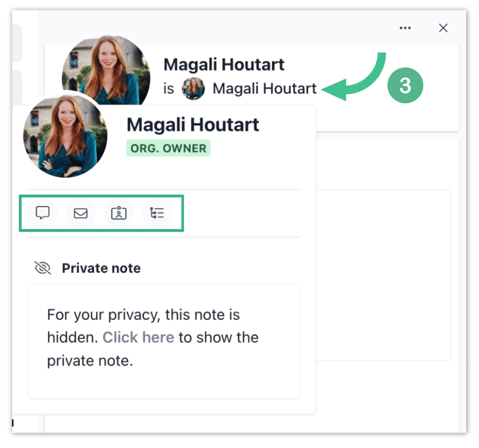
3. Your family tree user is now linked to a user profile on the platform.