
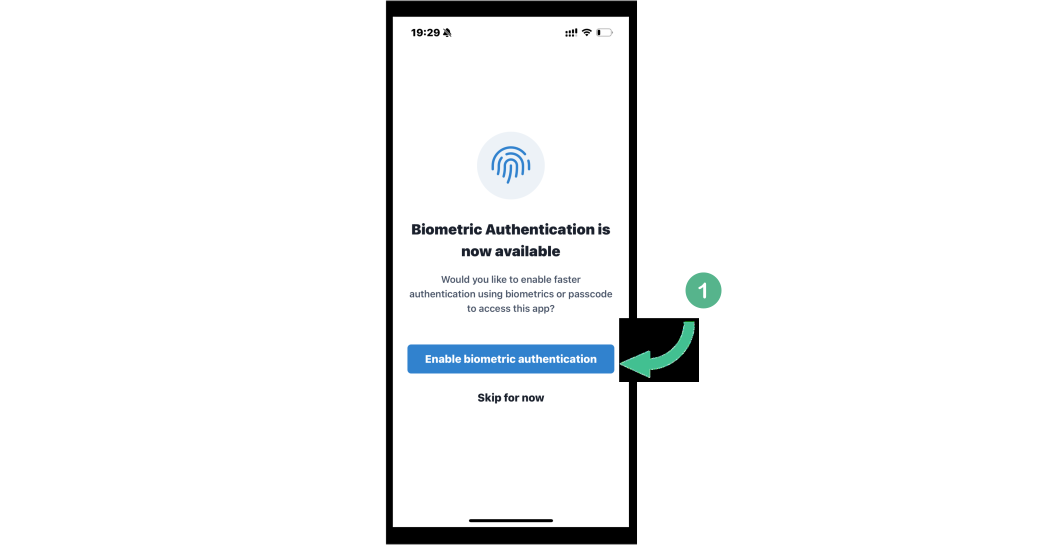
1. The first time you connect to the mobile app, you will be prompted to Enable biometric authentication.
2. Your device will do the work for you and get you set up in just a second.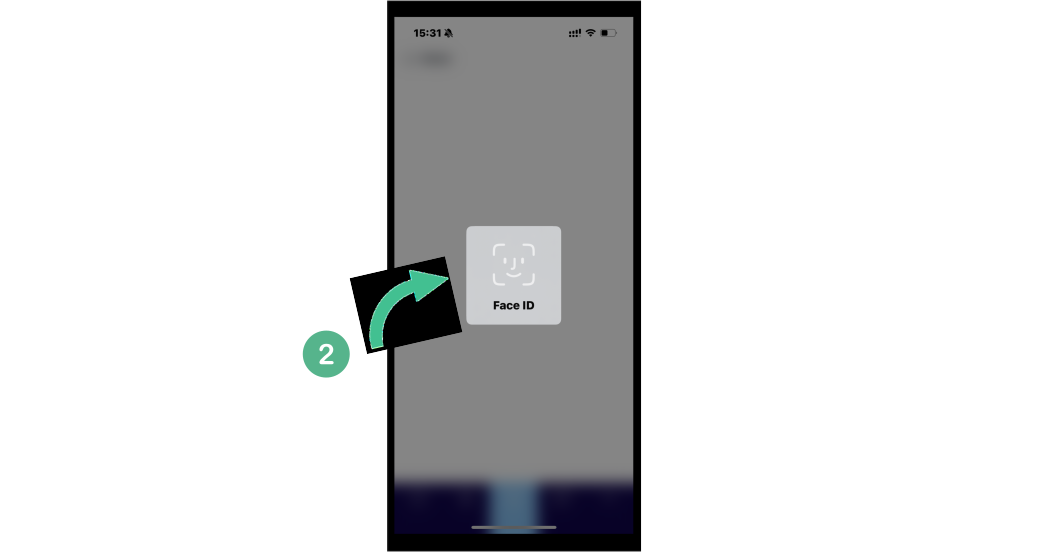
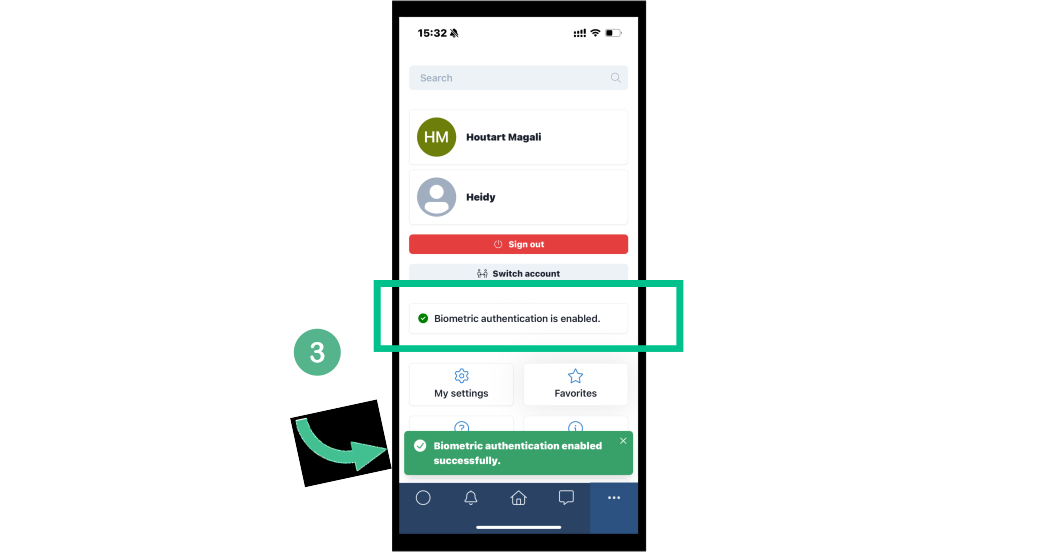
3. A pop-up will confirm that the Biometric login has been successfully activated.
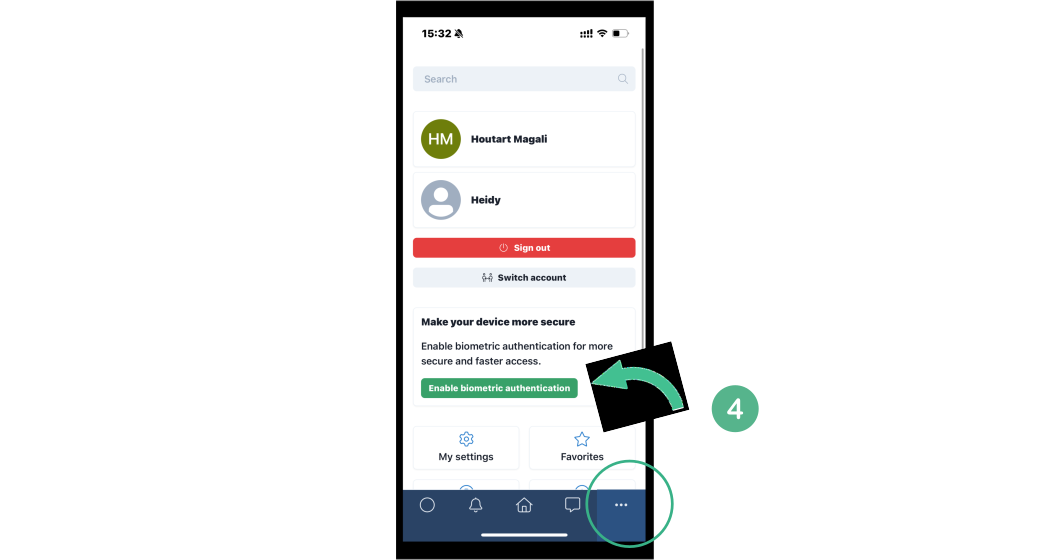
4. If you skipped this option initially, go to your settings on the bottom-right tab “...“. Click on Enable biometric authentication.
You’re all set!