
1: Remove the user from the platform.
2: If the member is part of the family, go to the Family Tree tab.
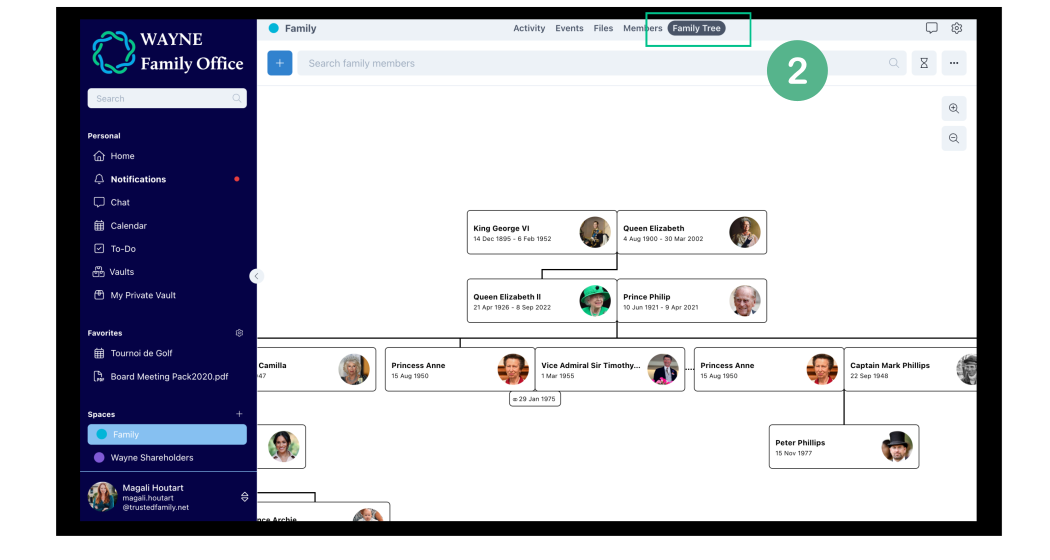
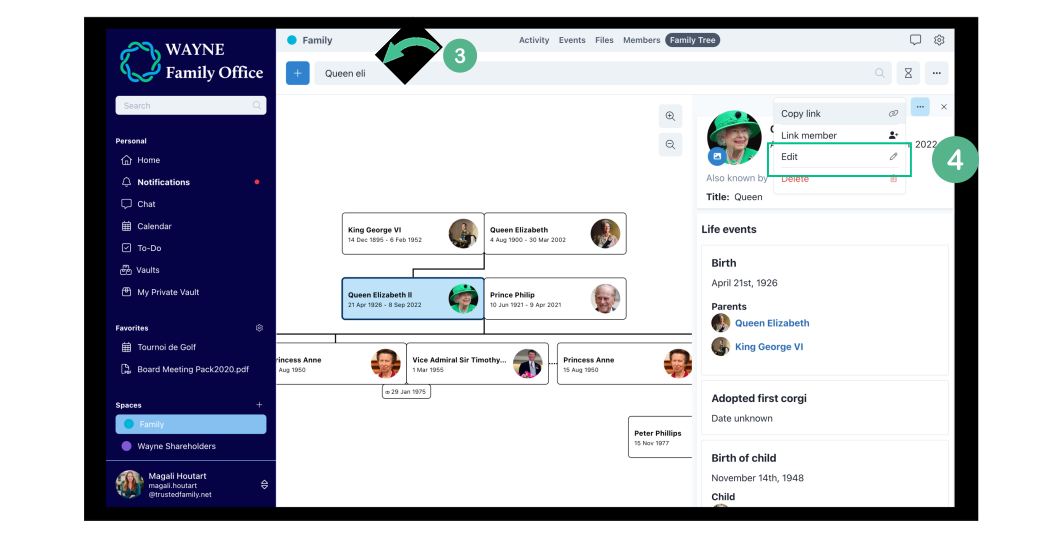
3. Search for the member and click on his/her name.
4. Go to the three dots "..." and click on Edit.
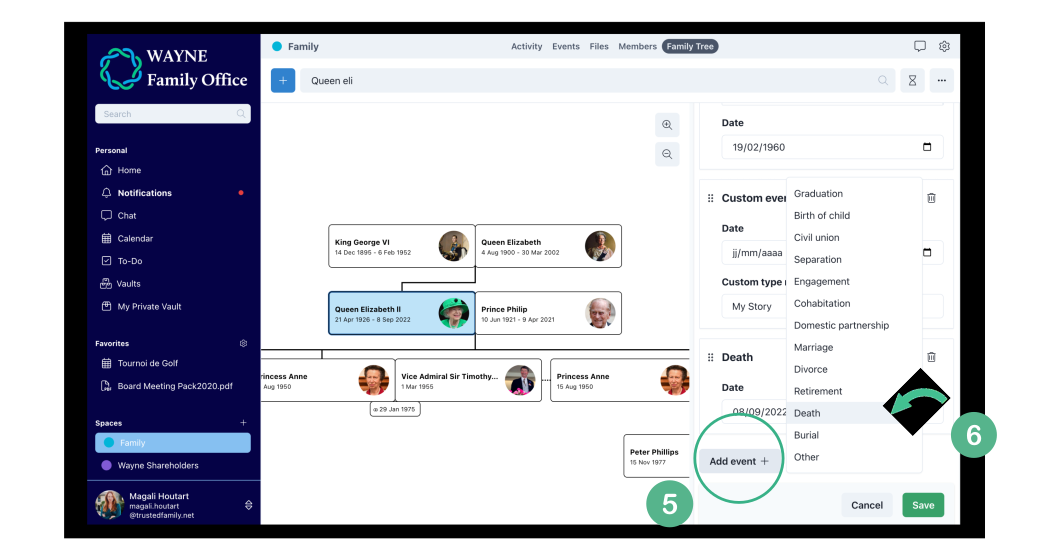
5. Scroll down to the bottom of the events' list. Click on Add event +.
6. Select Death, add the date of decease if known, and hit Save.
Note: This won't delete historical posts/comments/likes of the user.